AMS Table Design System: one consistent table component built to work across five NineSmart products.
Challenge
Through thorough discussions and data analysis with product managers and developers, we identified several pain points that required optimization: inconsistent styling across tables, redundant and duplicate functionality, poor responsive behavior, overcrowded data presentation, and limited scalability as new products came online.
The original tables: inconsistent styling, overcrowded data, and duplicate functionality across products.
Approach
Benchmarking and Defining UX Principles
I ran competitive and comparative benchmarking against modern admin platforms, covering layout, interaction patterns, sorting, filtering, inline editing, and responsiveness.
During this research, I highlighted reusable UI components that were most relevant to our booking system, taking detailed notes on how other platforms handle complex data types, sorting, filtering, inline editing, and responsiveness. These insights provided a strong foundation for defining our own design principles.
Benchmark notes across other platforms’ table patterns — color use, progress bars, images, font weights, subtext, and bulk actions.
Defining UX Considerations
Next, I synthesized my findings into a list of key UX considerations for data tables, covering aspects such as:
- Content hierarchy (labeling, column grouping)
- Alignment and spacing (visual rhythm and readability)
- Copywriting and tone (clarity, actionability)
- Interaction feedback (hover states, loading indicators, error states)
This helped me identify opportunities to improve clarity, reduce cognitive load, and increase efficiency for admin users managing large volumes of data.
Cross-functional Validation
Building on that, I created a Table Type & Data Type Guideline — a systematized reference that mapped different types of content (e.g., strings, Date, tag/label) to their appropriate UI patterns, then validated it directly with the R&D team against the real technical architecture and data structure. This ensured consistency and scalability across the platform.
The guideline in detail: Interaction (inline actions, overflow menu), Special (progress), and Linkage (external links, documents) patterns.
Solution
The four pillars of the redesign: data type standardization, a modular component library, enhanced UX features, and Ant Design integration.
1. Data Type Standardization
We marked clear properties for each category and defined specific attributes, enabling team members to quickly locate the correct components for their table needs.
Transforming the unstructured table system
Well-organized table and data type catalog.
2. Component Library Development
With customizable table elements. For each table element, I developed a fully-featured version that could be simplified by adding or removing functions as needed for different scenarios.
- Easily modifiable Figma components
- Clear handover instructions for developers
- Design considerations for all scenarios
- A modular component library. Each table element shipped as a fully-featured Figma component that could be simplified by adding or removing functions per scenario, with clear developer handover instructions built in.
3. Integration with Ant Design Library
We chose to use the Ant Design Library as our table design system foundation to optimize efficiency and results. This library allowed us to customize both visual design and functionality while creating a more flexible table component.
- Simplifies the development process
- Ensures the deliverable quality
4. Enhanced User Experience Features
The table page now offers multiple filters for easy result searching. Users can select multiple records for batch actions, and the document export and customize table display features enable better data organization.
- Advanced filter and search
- Batch processing function
- Document export
- Customized table display
Outcome
The revamp resolved the original table issues and, more importantly, established a shared foundation for system-wide improvements across every NineSmart product connected to AMS.
The same system in production, across different modules of the admin suite:
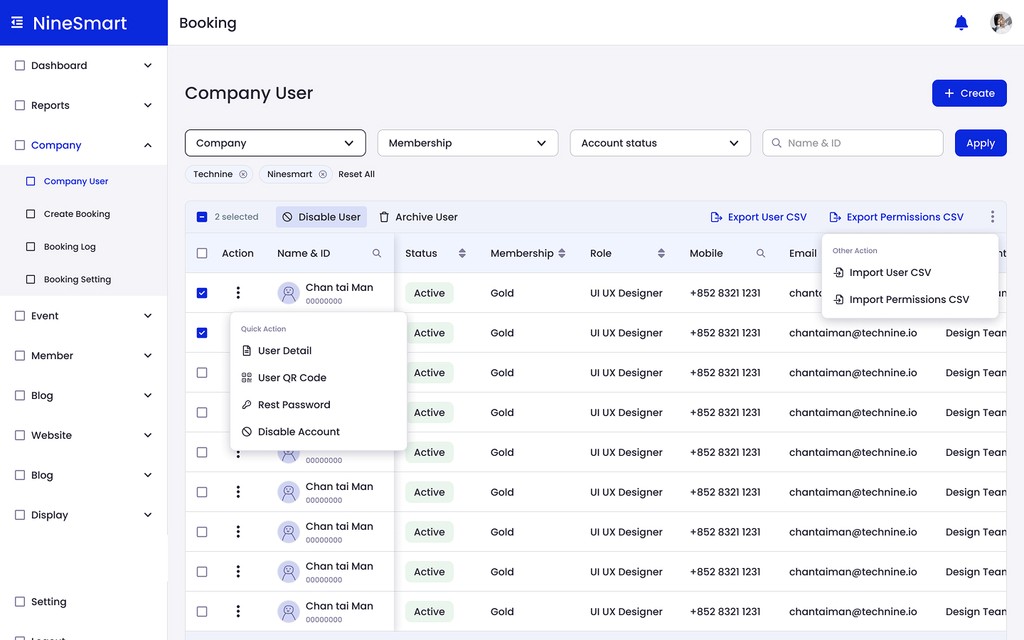
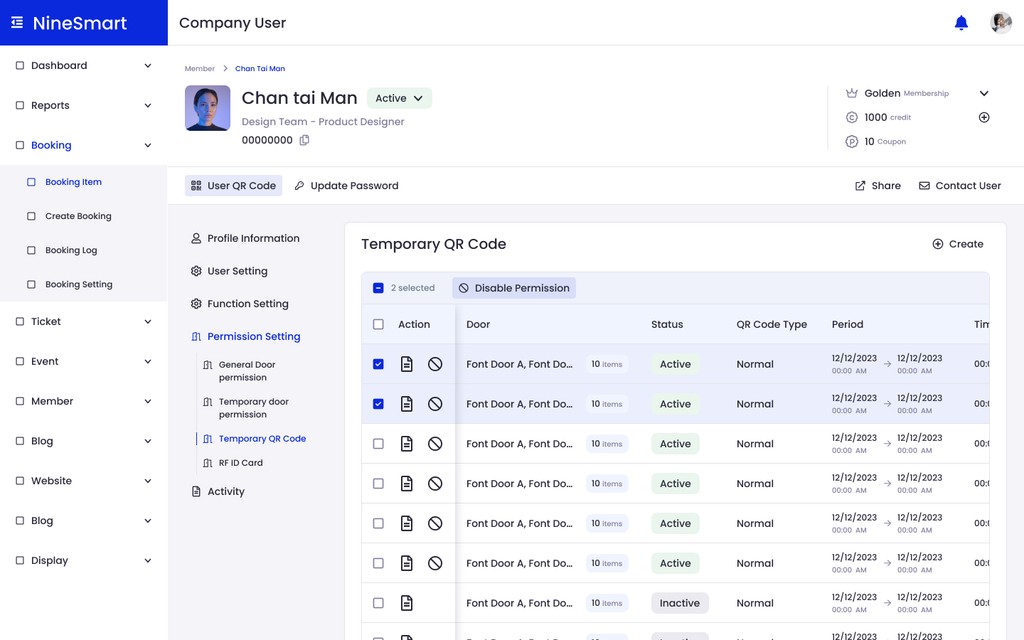
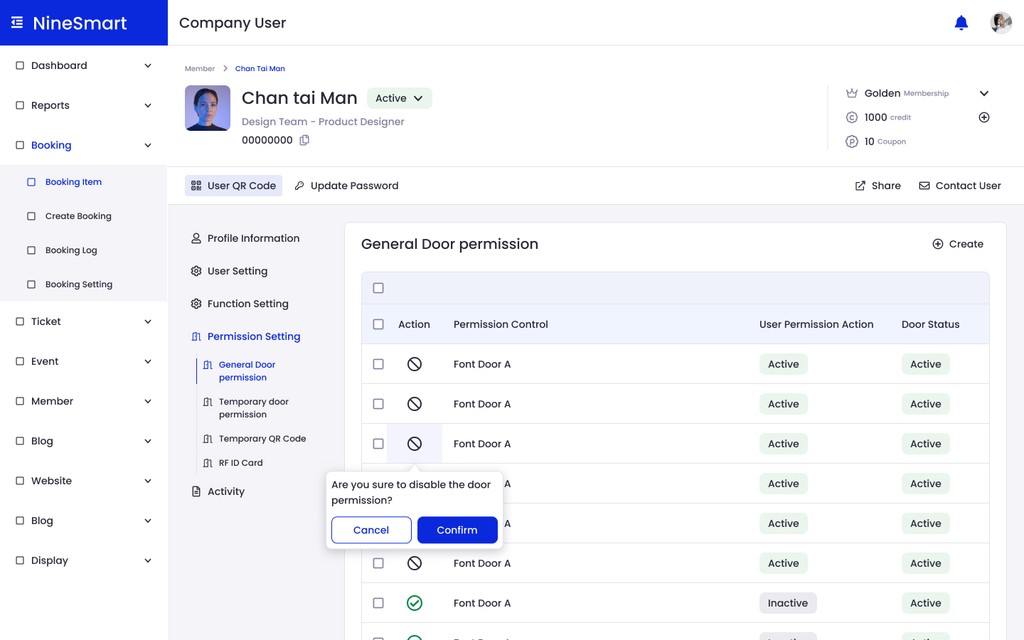
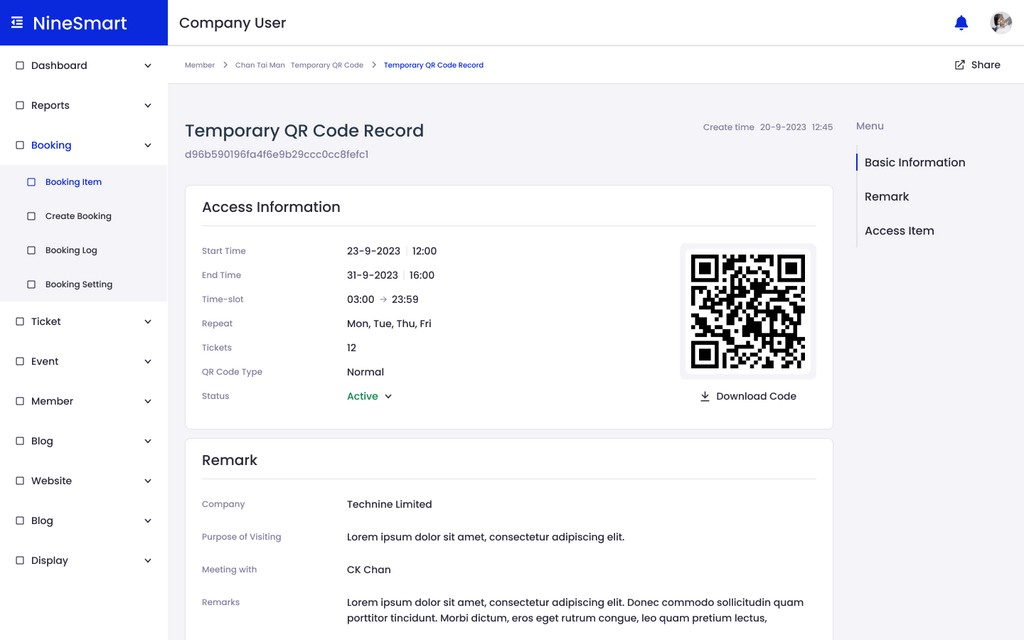
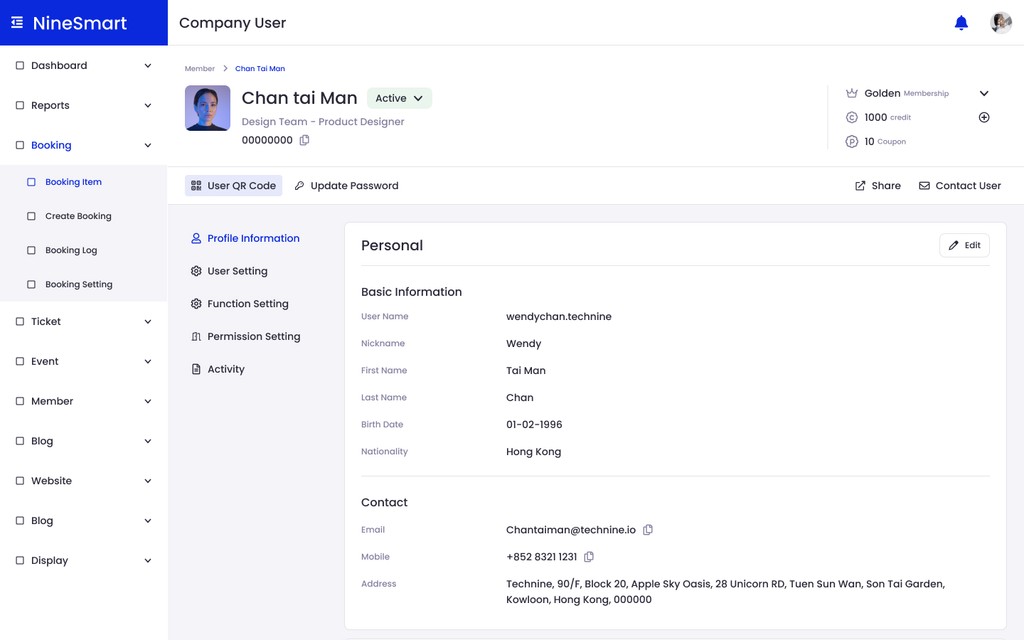
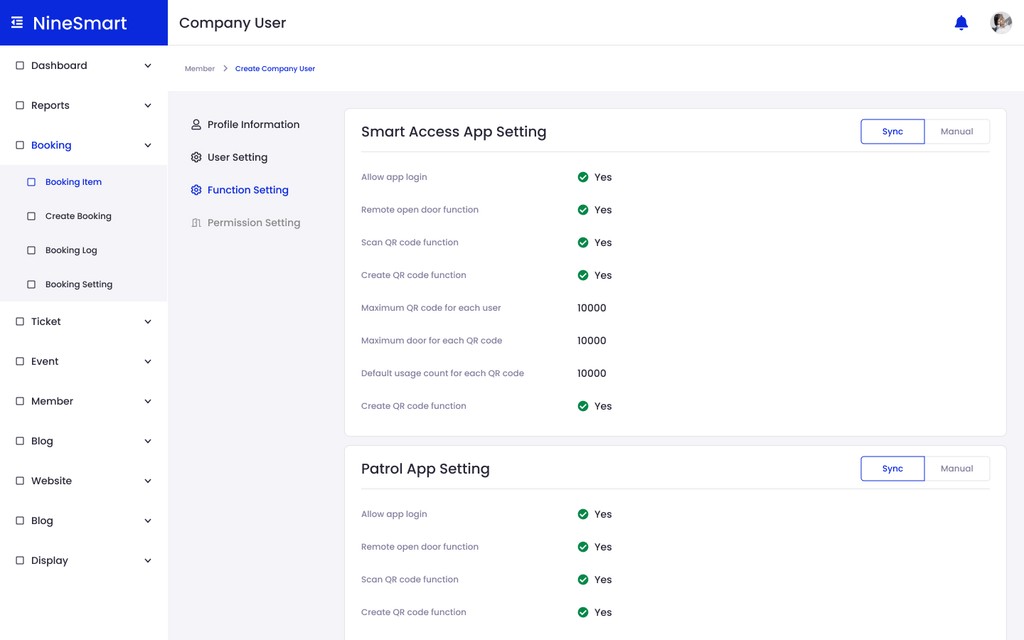
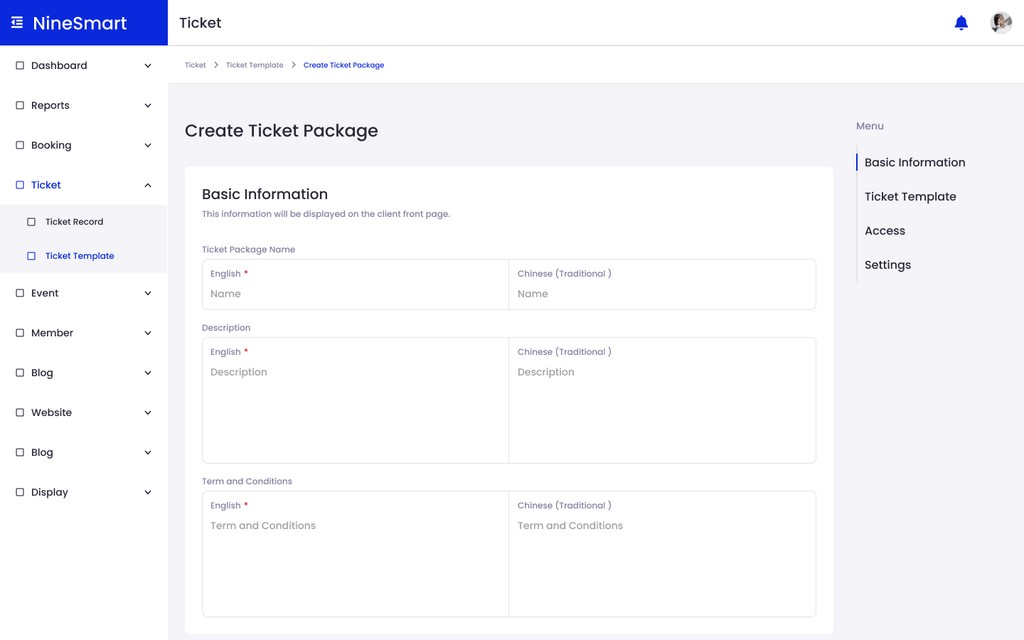
The same table and detail-view patterns reused across Booking, Member, Ticket, and Settings.